Create a GitHub App for Self-Hosted DevGuard
DevGuard uses a GitHub App to create and update issues in your repositories and to receive events like closed issues or /accept comments. The public devguard-bot app only works with app.devguard.org, because GitHub sends its webhooks and setup redirects to fixed URLs. A self-hosted instance needs its own GitHub App.
Prerequisites
- A running self-hosted DevGuard instance, for example deployed with Helm
- An API URL that GitHub can reach, for example
https://api.devguard.example.com - Owner permissions for the GitHub account or organization that will own the app
Register the GitHub App
Open github.com/settings/apps/new for a personal account or https://github.com/organizations/<org>/settings/apps/new for an organization and fill in the form:
| Field | Value |
|---|---|
| GitHub App name | A unique name, for example company-devguard. You need this name later. |
| Homepage URL | https://devguard.example.com |
| Setup URL | https://devguard.example.com/gh |
| Redirect on update | Enabled |
| Webhook URL | https://api.devguard.example.com/api/v1/webhook/ |
| Webhook secret | A random string, for example the output of openssl rand -hex 20 |
Set these permissions and events:
- Repository permissions: Issues
Read and write, MetadataRead-only - Subscribe to events:
Issues,Issue comment
Click on Create GitHub App.
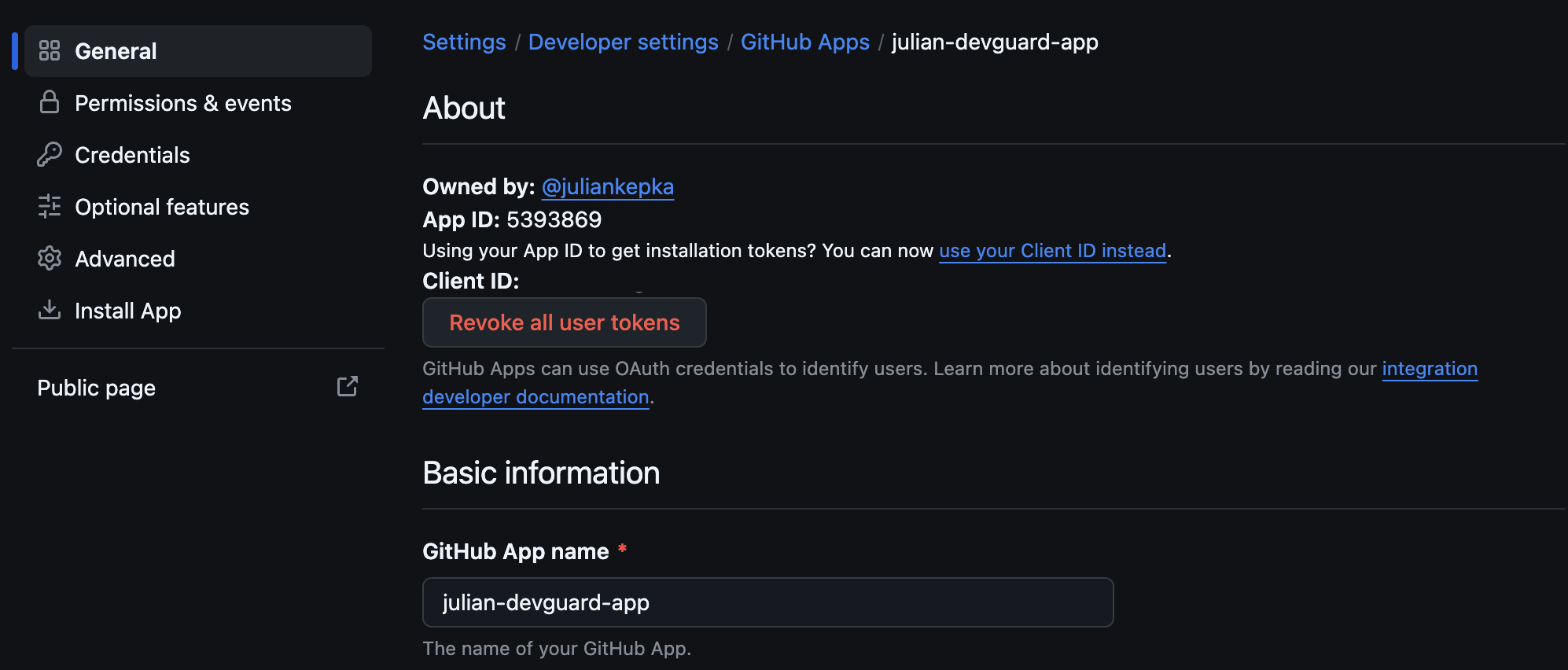
GitHub opens the General page of your new app. Note the App ID, you need it later.
Generate a Private Key
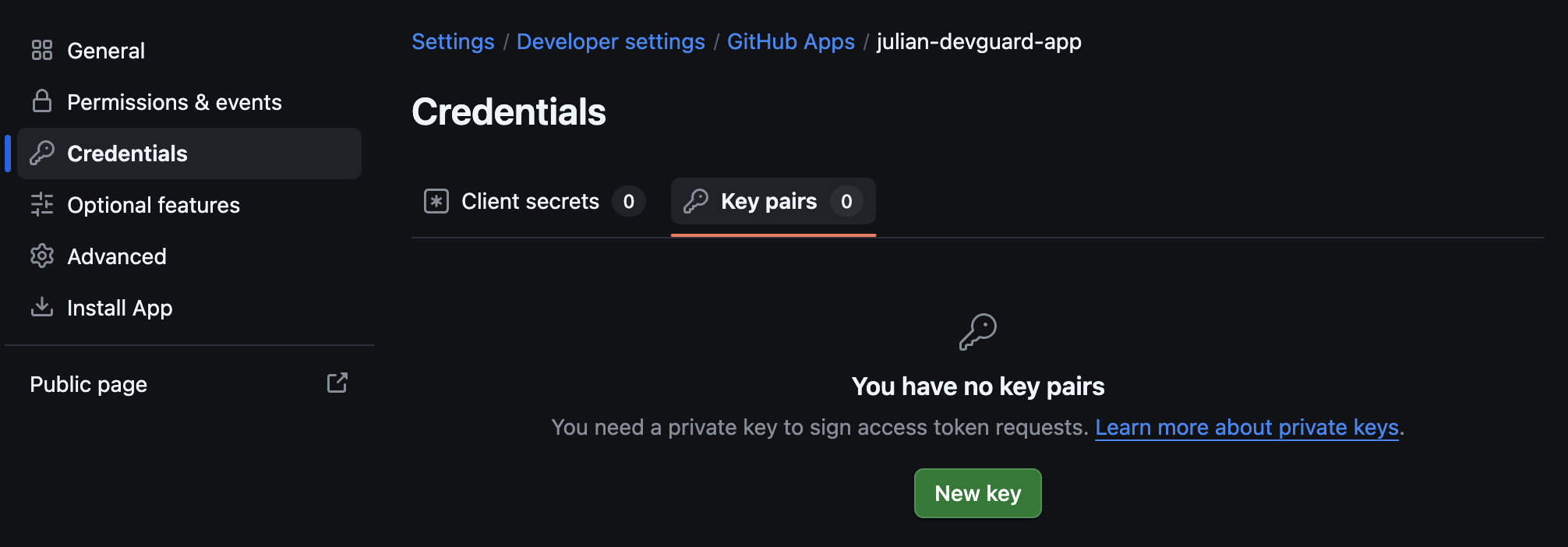
Click on Credentials in the sidebar, open the Key pairs tab, and click on New key. GitHub downloads a .pem file.
Store the Credentials as Secrets
Store the private key and the webhook secret as Kubernetes secrets:
Configure DevGuard
The API needs the App ID and both secrets. The web frontend needs the app name to link to the correct installation page. Add both parts to your values.yaml:
Apply the changes with helm upgrade.
Without Helm, set these environment variables instead:
| Service | Variable | Value |
|---|---|---|
| API | GITHUB_APP_ID | The App ID |
| API | GITHUB_PRIVATE_KEY | Path to the .pem file |
| API | GITHUB_WEBHOOK_SECRET | The webhook secret |
| Web | DEVGUARD_GITHUB_APP_NAME | The app name |
Install the App
Follow the GitHub integration setup. The Install GitHub App button now opens your own app. After the installation, GitHub redirects you back to your DevGuard instance and the integration appears in the organization settings.
Troubleshooting
could not read github app installationin the API logs: The installation webhook didn't reach your API. Open your app on GitHub, go toAdvanced→Recent Deliveries, and check the response of theinstallationevent.- Redirect to app.devguard.org after the installation:
web.githubAppNameisn't set, so the frontend still uses the publicdevguard-botapp. Uninstall that app from your GitHub account or organization and install your own app.