Create and Manage API Tokens
Create personal access tokens (PATs) to authenticate with the DevGuard API for automation, CI/CD pipelines, and programmatic access.
Prerequisites
Before you begin, ensure you have:
- DevGuard account access
- Understanding of API authentication basics
- A way to securely store tokens
Manage a Personal Access Token
Top Right → User Profile → Settings → API Tokens → Create New Token
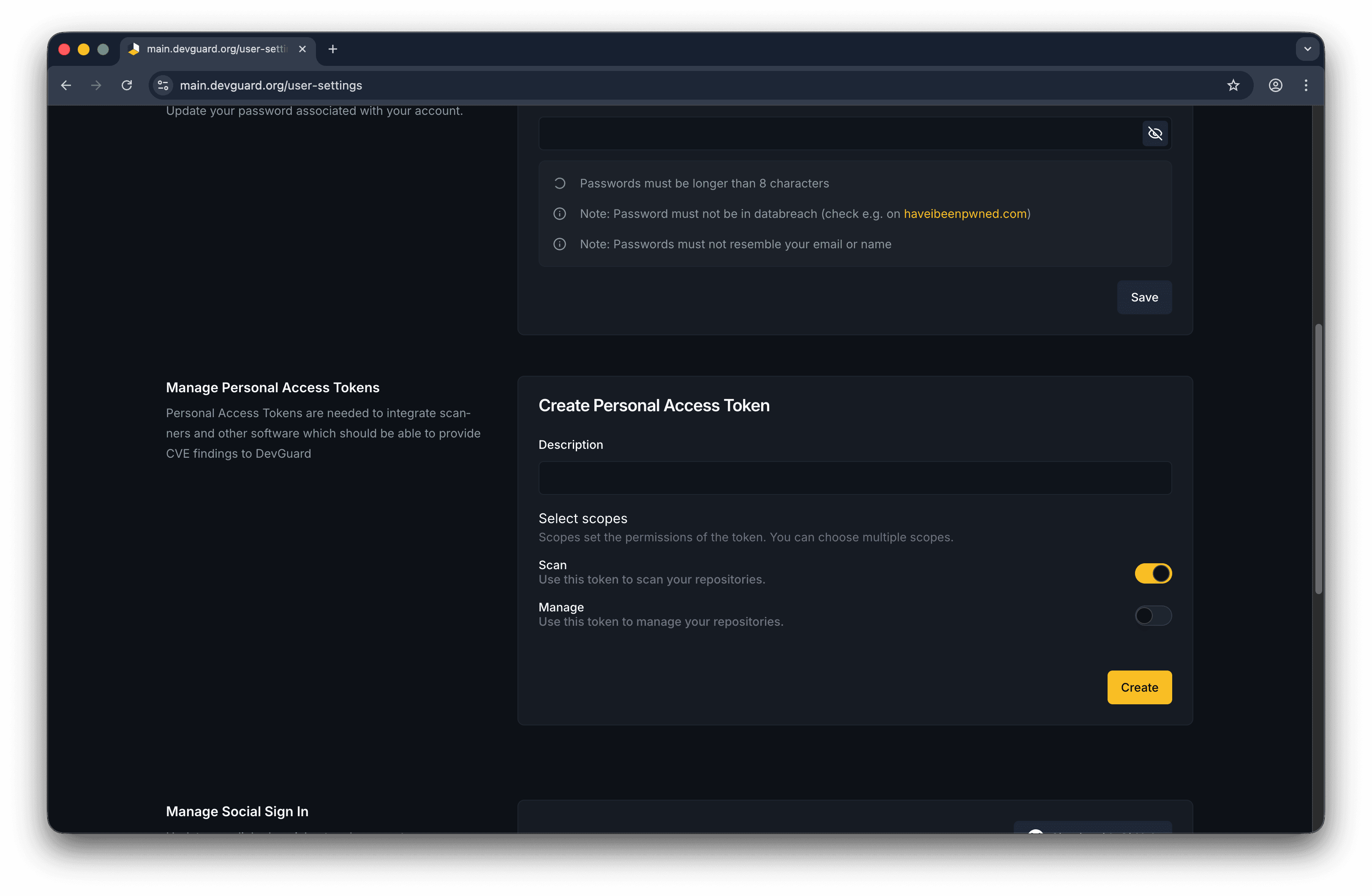
You can additionally set: whether you want to use this token to scan your repositories or manage repositories in the Web-UI
Onboarding
Following the Onboarding process, DevGuard can create an API token for you with the necessary permissions to get started quickly.
Next Steps
- Authenticate with API - API authentication methods
- Query Vulnerabilities - Fetch vulnerability data
- Upload Scan Results - Submit scan data